Three reasons to switch
- No Linux build. Fork ships for macOS and Windows only, so working on Linux means another tool.
- It costs money. Its own site asks $59.99, with a free evaluation. GeeTree is free and needs no account.
- The history stops at commit 100,000. That one gets its own section below: on a large repository there is no way around it.
Side by side
| Fork | GeeTree | |
|---|---|---|
| Platforms | macOS, Windows | macOS, Windows, Linux |
| Price | $59.99, free evaluation | Free |
| Source | Closed | Closed |
| Rendering | Native widgets on each platform | Rust and GPUI, drawn on the GPU |
| git | Ships its own | The git you installed |
| Opening a repository | Window in 0.8–1.1 s | Window in 0.8 s |
| Seeing the history | About 2.4–2.7 s | About 1.6 s |
| How far back | 100,000 commits by default | All of them, 1.48 million included |
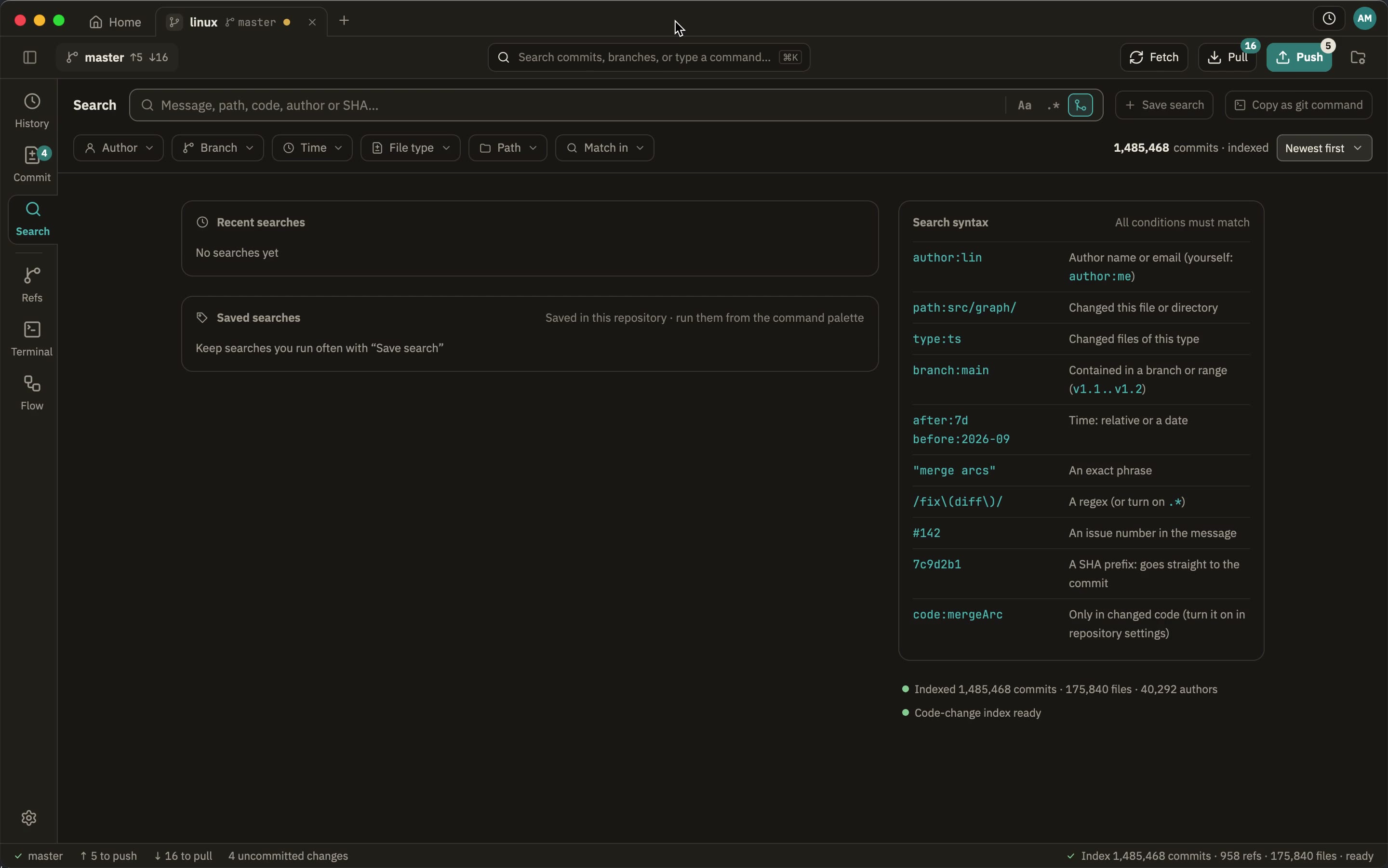
The price and the platforms are what fork.dev says; the times were measured here, on one Mac and one repository: a clone of the Linux kernel, 1,485,419 commits and 958 refs, Fork 2.71.1 against GeeTree 0.3.0, two runs each, the page cache warm and Fork’s own repository cache already built (I opened it once in full, then timed it). Both were timed the same way — a capture of the app’s window every 0.3 to 0.55 seconds, taking the frame where the commit list has content, so about half a second of precision. Fork’s loading indicator takes until 2.9–3.7 s to go. I could not measure Fork’s search the same way (its search box completes as you type, and synthetic keystrokes do not land in it), so it is not listed and nothing is claimed about it.
The history stops at commit 100,000
In that 1.48-million-commit kernel repository, scrolling Fork’s commit list to the bottom ends at dbba6b7a4…, committed on 18 November 2025 — while the repository’s first commit is from 16 April 2005. The list holds the recent stretch and nothing else: twenty years of history are not in it.
The reason is in Fork’s own preferences: maxCommitCount, 100000 by default. It is not only about missing rows — reading back through the history, finding the year a function arrived, jumping from blame to an old commit to see what it looked like then, all stop at that line.
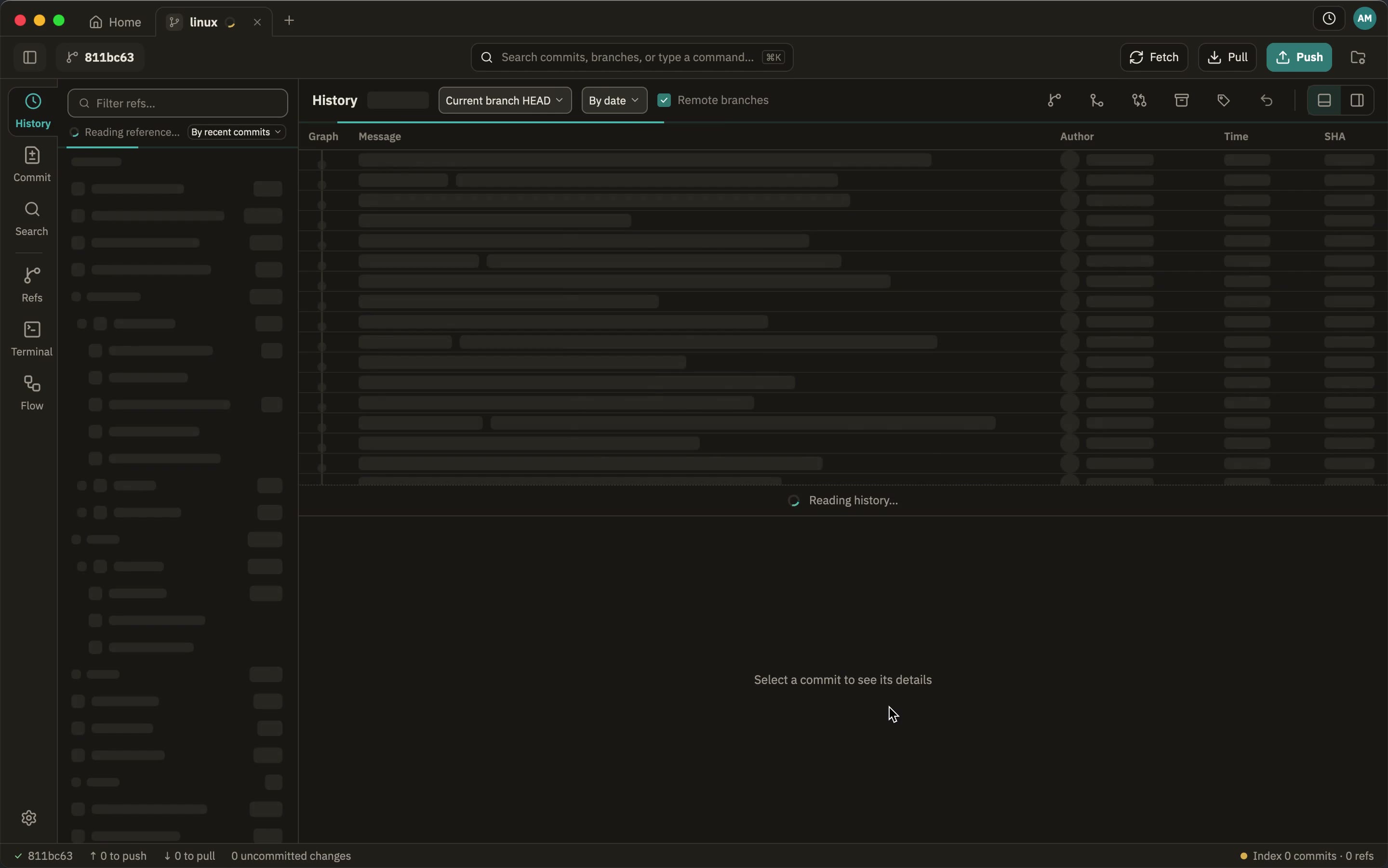
GeeTree has no such line. The history is shown while it is read: the first screen in half a second, the rest behind it, all the way back to that first commit from 2005, and you can scroll, search and jump the whole time.
What Fork does well
I saw each of these on this machine, and they are worth saying plainly:
- It is fast. Much faster than Sourcetree: the window in 0.8–1.1 s, the history in 2.4–2.7 s. That is about a second behind GeeTree — the same order of magnitude.
- Its diff is good. Syntax highlighting, a side-by-side view, word-level highlighting and a file tree, with no need for an external tool.
- Conflict merging, blame and image diffs (onion skin and swipe), submodule and binary diffs, all inside the app.
- It brings its own git, so it works without one installed.
- Ten years of reputation: Fork has been out for years; GeeTree is still 0.x.
This section is what Fork 2.71.1 actually does here: the speed and the diff I captured myself, and the conflict merging, blame and image diffs come from the interface files in its application bundle. If I have any of it wrong, tell me and I will correct it.
What GeeTree does on a large repository
Questions
- Can Fork’s 100,000 limit be raised? It is a preference with no switch in the interface. I have not measured it again with a larger value, so I draw no conclusion about that — the numbers above are what the default does.
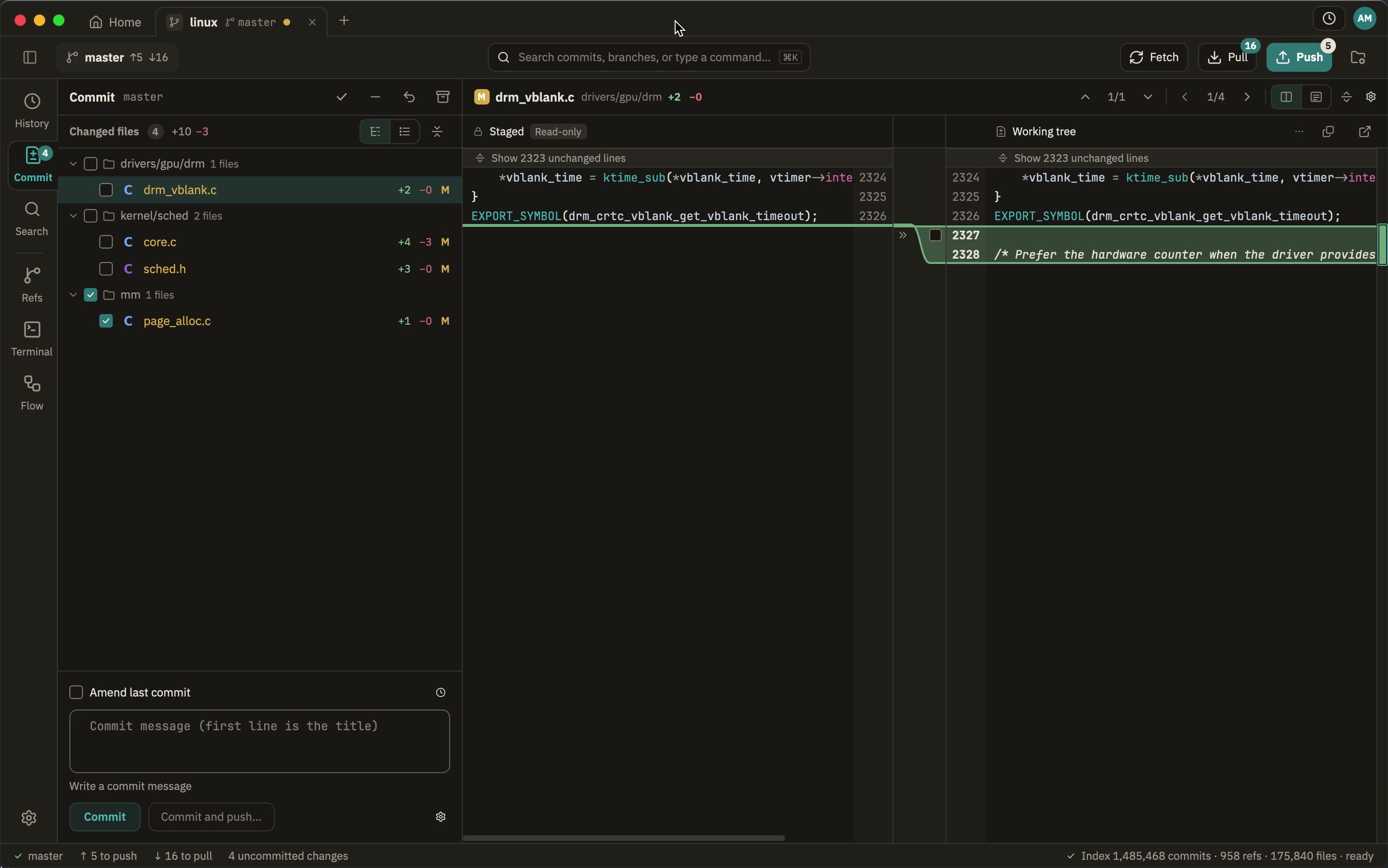
- Does my git configuration still work? It does. Everything that writes or talks to a remote runs your own
gitas a subprocess, so hooks, credential helpers, signing, LFS, submodules andinsteadOfall keep working. Reading goes through gitoxide, which is why it is fast. - Do I need an account? No. Download it and use it: no account, no licence.
- Does it upload my code, or anything about how I work? No. No telemetry, no analytics; see privacy.
- Is it open source? No, but it is free to use.
- What does it need? macOS 12 or later, Windows 10 1809 or later, Linux with glibc 2.35 or later, and git 2.30 or later.
Try it
Open your largest repository and scroll the history to the bottom.
Free to use, on macOS, Windows and Linux.
Last updated: 2026-10-27