Three common reasons to switch
- There is no Linux build. Sourcetree ships for macOS and Windows only, so developing on Linux means another tool, or the terminal.
- Diffs send you elsewhere. Sourcetree’s built-in diff has no syntax highlighting, and full comparisons and conflict resolution are handed to external tools. GeeTree does both inside; the section below says how.
- Large repositories hurt. That is why we left it: in a million-commit repository, scrolling and searching were not worth the wait, and it was back to
git login the terminal.
Side by side
| Sourcetree | GeeTree | |
|---|---|---|
| Platforms | macOS, Windows | macOS, Windows, Linux |
| Price | Free, commercial use included | Free |
| Version control | Git, and Mercurial as an option | Git only |
| Source | Closed | Closed |
| Rendering | Native widgets on each platform | Rust and GPUI, drawn on the GPU |
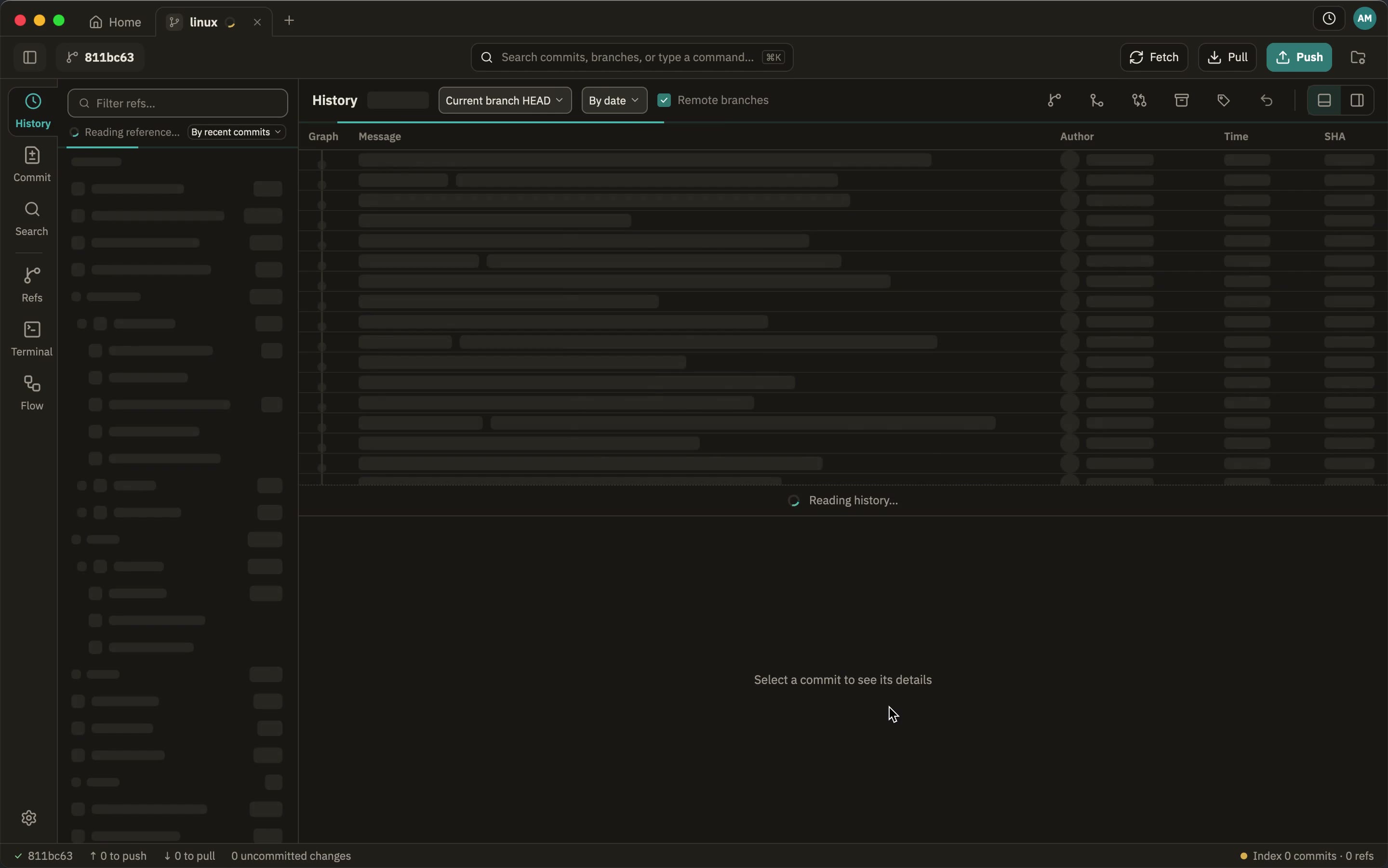
| Opening a repository | Window in 2.3–2.7 s, on the file status page | Window in 0.8 s, on the history |
| Seeing the history | About 5.3–5.6 s (switch to History by hand) | About 1.6 s |
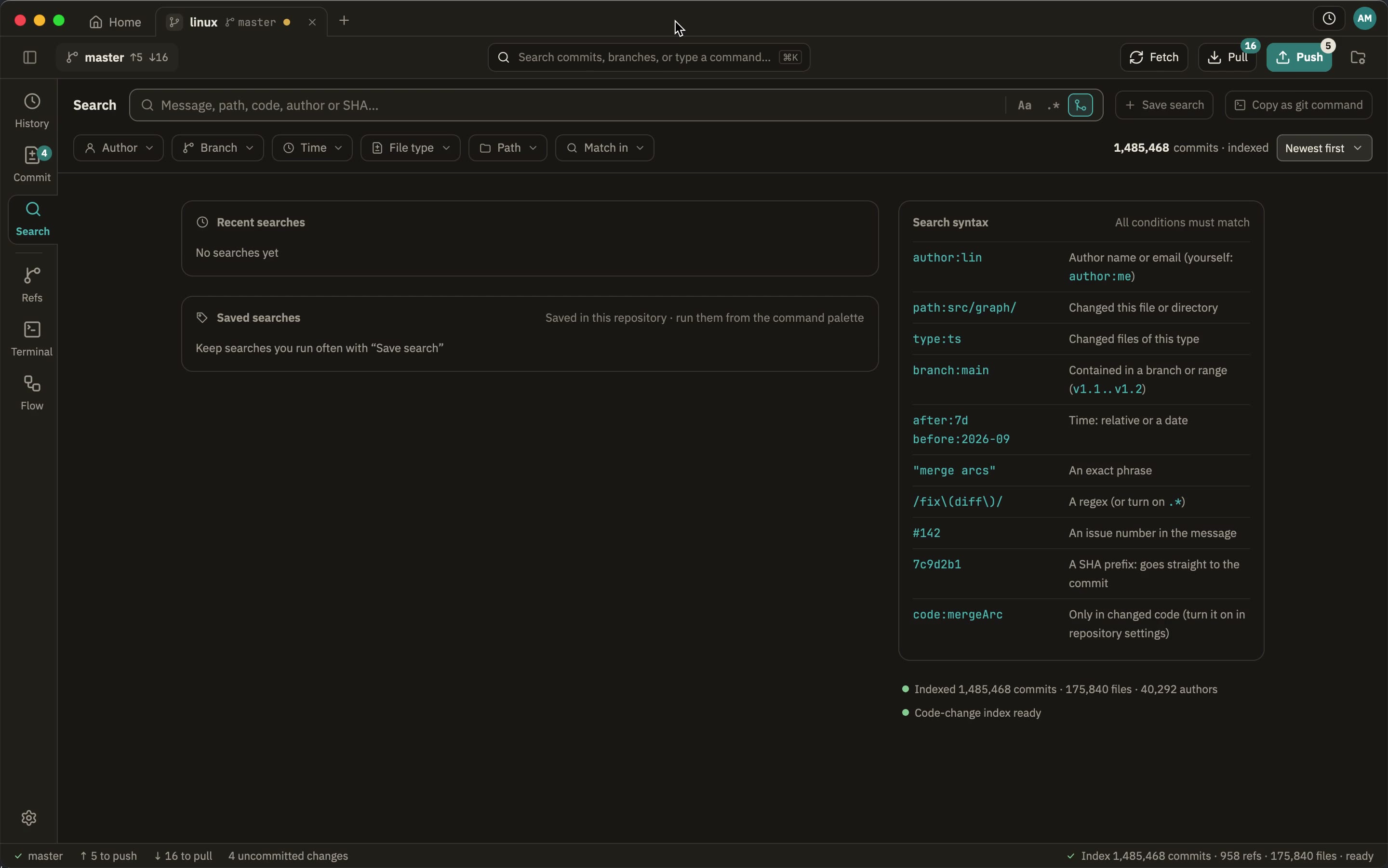
The facts in the table are what Atlassian’s own pages say, checked here; the times were measured on one Mac and one repository: a clone of the Linux kernel, 1,485,419 commits and 958 refs, GeeTree 0.3.0 against Sourcetree 4.2.19, two runs each, the page cache warm. Both were timed the same way — a capture of the app’s window every 0.3 to 0.55 seconds, taking the frame where the commit list has content, so about half a second of precision. Sourcetree opens on the file status page, so its figure includes clicking History; apart, that is 2.3–2.7 s for the window and 1.6 s more for the history. GeeTree opens on the history already. GeeTree also searches all of the commit messages in this repository in about 77 ms; Sourcetree’s search was not measured the same way, so it is not listed.
Comparing and merging
This is the other reason I left Sourcetree: with AI writing more of the code, reading diffs takes longer than writing does, and I wanted the comparison experience JetBrains has without keeping an IDE open to read a diff.
| Sourcetree | GeeTree | |
|---|---|---|
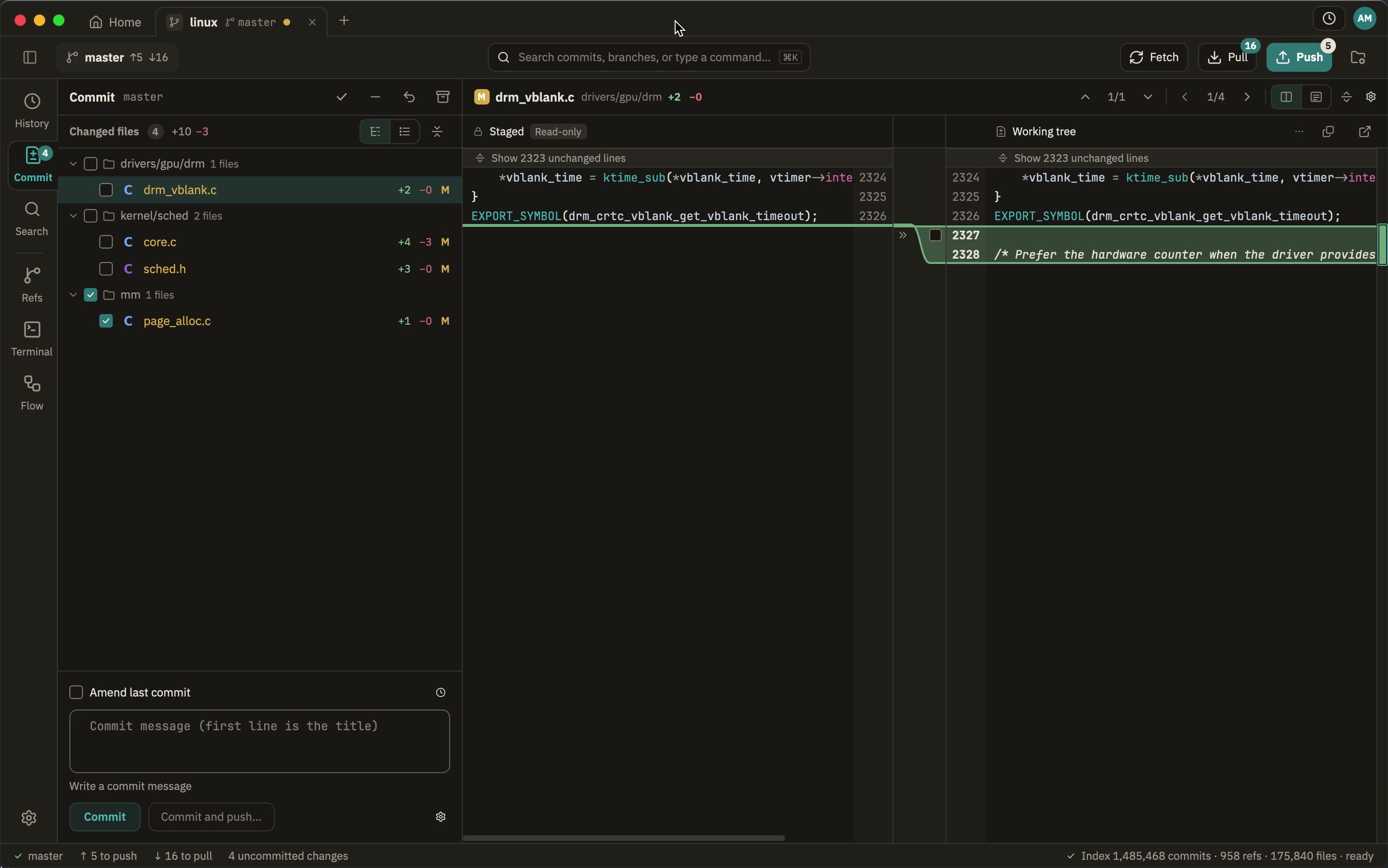
| Syntax highlighting in diffs | None; the code is one colour, with added and removed lines tinted | Yes, by language; every colour theme brings its own code colours |
| Comparing whole files | Handed to an external tool (Actions → External Diff) | Side-by-side and inline, both built in |
| Resolving conflicts | Launches an external merge tool; inside, only “use mine / use theirs” per file | A three-way merge editor: take either side hunk by hunk, and edit the result |
| Staging by hunk or by line | By hunk | By hunk and by line: stage, unstage, revert |
| Editing a file in the diff | No | Yes, the working tree’s file, right there |
| Comparing any two things | Handed to an external tool | Any two versions, two files, two folders, even against the clipboard |
| Files that are not text | Not offered | Image diffs (SVG as text or as a picture), binary as hex, symbolic links |
| And | — | Blame down both sides, F4 to the source, soft wrap, submodules and LFS, encoding, line endings and file mode |
The Sourcetree column is what 4.2.19 shows here: the syntax highlighting and the staging came from its own diff pane, “External Diff” and “Launch External Merge Tool” from its Actions menu. If any of it is really somewhere I did not look, tell me and I will correct it.
What GeeTree does on a large repository
Where Sourcetree is still ahead
- Still on Mercurial? Sourcetree carries that optional component; GeeTree does Git only. (Atlassian stopped maintaining Mercurial support in 2019, and Bitbucket removed it in 2020.)
- The Atlassian side of things: its Bitbucket and Jira integration is their own.
- Ten years of material: the tutorials, the answers and your colleagues’ muscle memory are all on its side.
- Maturity: Sourcetree has been out for over a decade; GeeTree is still 0.x.
Questions
- Does my git configuration still work? It does. Everything that writes or talks to a remote runs your own
gitas a subprocess, so hooks, credential helpers, signing, LFS, submodules andinsteadOfall keep working. Reading goes through gitoxide, which is why it is fast. - Do I need an account? No. Download it and use it: no account, no licence.
- Does it upload my code, or anything about how I work? No. No telemetry, no analytics; see privacy.
- Is it open source? No, but it is free to use.
- What does it need? macOS 12 or later, Windows 10 1809 or later, Linux with glibc 2.35 or later, and git 2.30 or later.
Try it
Open it on your largest repository; the difference shows itself.
Free to use, on macOS, Windows and Linux.
Last updated: 2026-10-27