Three reasons to look at GeeTree
- The free plan stops at public remotes. GitKraken’s own pricing page describes its free Community plan as “Only local repos and public remotes”; working with a private remote means Pro, US$10 per seat per month, paid annually. GeeTree is free on every repository, private ones included, and needs no account at all.
- It is an Electron app. GitKraken says the desktop app is built on Electron, with Git going through NodeGit and libgit2. GeeTree is Rust and GPUI — the stack behind the Zed editor — with every pixel drawn on the GPU, and your own
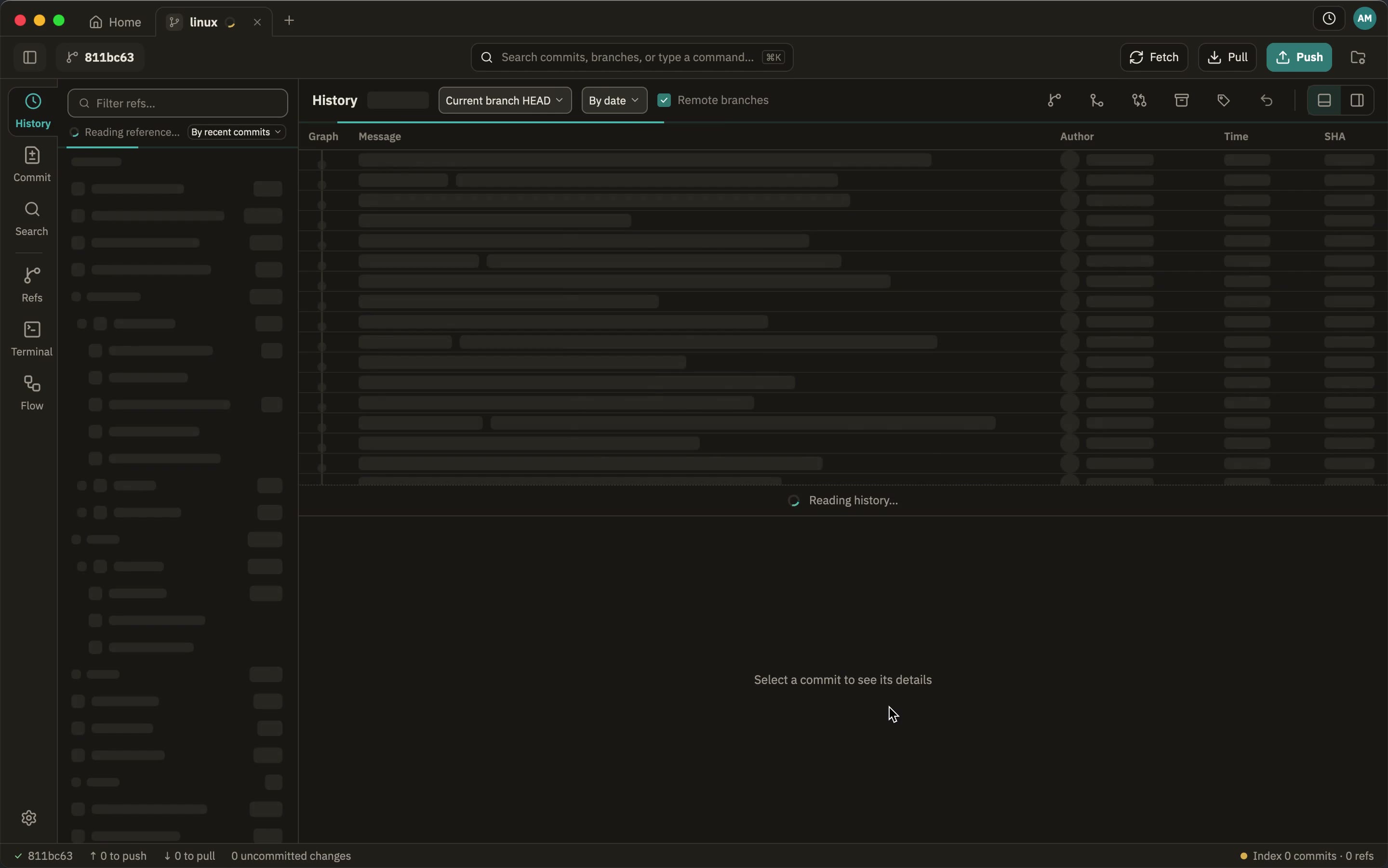
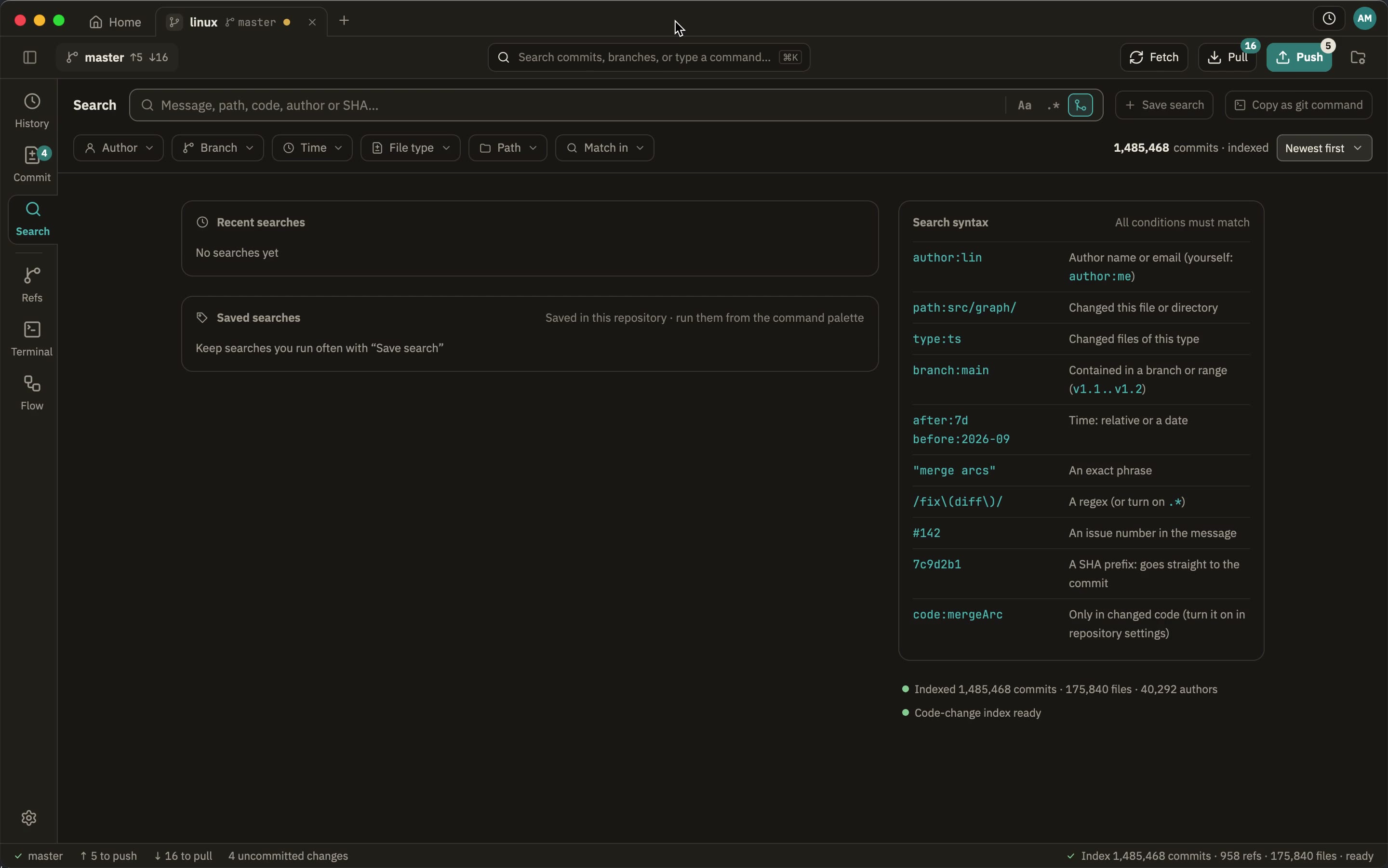
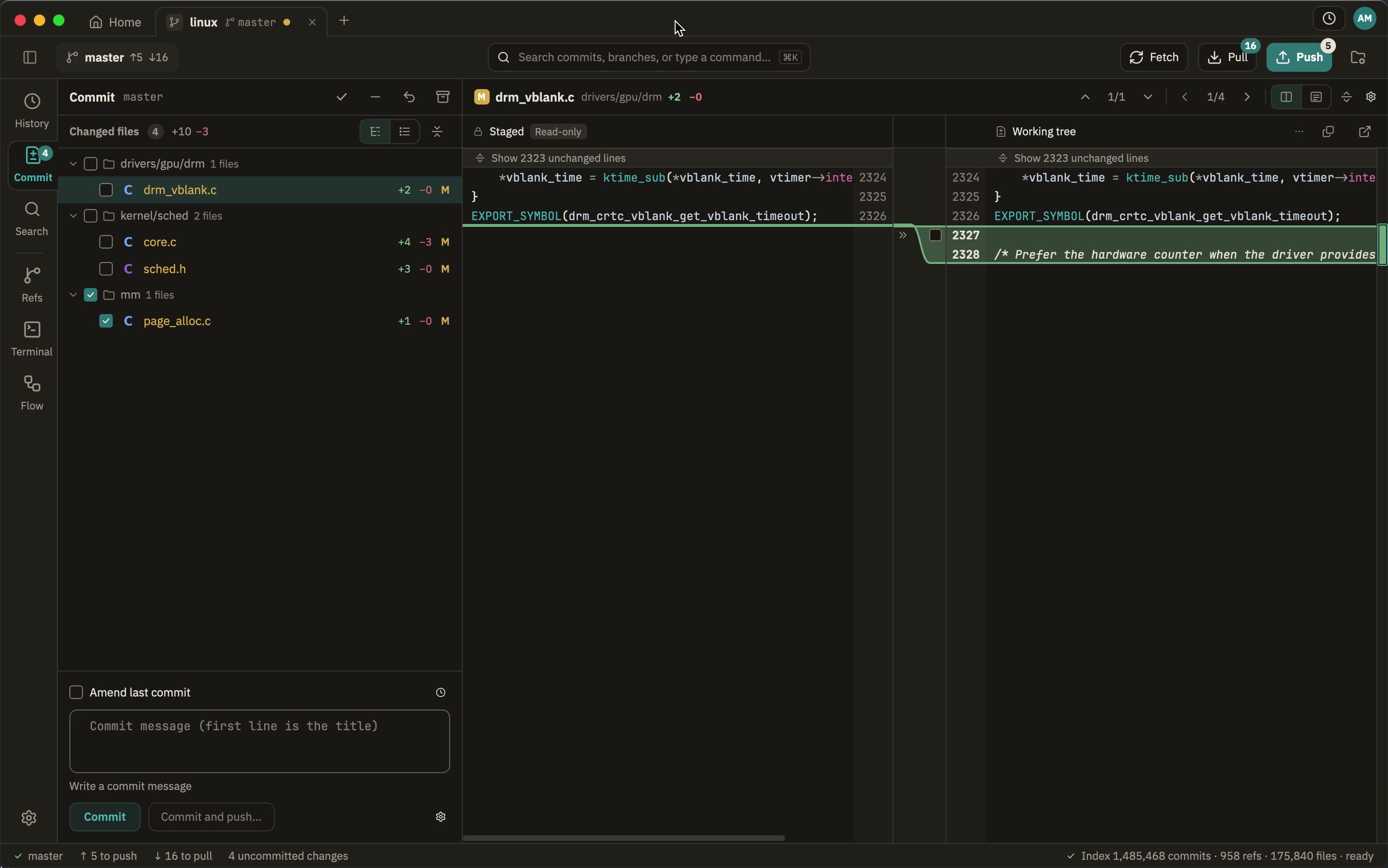
gitdoing everything that writes. - It is built for very large repositories. A clone of the Linux kernel, 1.48 million commits: GeeTree puts the first screen up in half a second, finishes reading the history in about 1.6 seconds, and searches all of it in 77 milliseconds. GitKraken is not installed on this machine, so nothing here is claimed about its speed — only what was measured here.
Side by side
| GitKraken | GeeTree | |
|---|---|---|
| Platforms | macOS, Windows, Linux | macOS, Windows, Linux |
| Price | Free for local repositories and public remotes; private remotes from US$10 per seat per month, paid annually | Free |
| Private repositories | Pro and above | Free, like any other repository |
| Account | Needed for the paid plans and for the cloud features; a plan is a seat in an organisation | None |
| Source | Closed | Closed |
| Stack | Electron; Git through NodeGit and libgit2 | Rust and GPUI, drawn on the GPU; your own git for everything that writes |
| Requirements | macOS 12 or later, Windows 10 or later, Ubuntu 18.04+ / Debian 10+ (.deb), RHEL 8+ / Fedora 39+ (.rpm) | macOS 12 or later, Windows 10 1809 or later, Linux with glibc 2.35 or later |
| Opening a repository | Not measured here | Window in 0.8 s, on the history |
| Seeing the history | Not measured here | About 1.6 s, 1,485,419 commits |
| Searching the history | Not measured here | About 77 ms, all of it |
The GitKraken column is what gitkraken.com and its help centre say, read on 28 October 2026: the plans, the prices and the Community plan’s limits from the pricing page, the supported systems from the install guide, and Electron and NodeGit from GitKraken’s own engineering posts; its current release is GitKraken Desktop 12.6.1, from 20 October 2026. GitKraken is not installed here and I have not run it, so every row that would need running it says so rather than guessing. The GeeTree figures were measured on this Mac, on a clone of the Linux kernel — 1,485,419 commits and 958 refs, GeeTree 0.3.0, two runs, the page cache warm — by capturing the app’s window every 0.3 to 0.55 seconds and taking the frame where the commit list has content, so about half a second of precision.
What GitKraken does well
- It is a platform, not just a client. GitLens inside VS Code and its cousins, a CLI, an MCP server, a browser-side command centre and Insights for engineering leaders, all on one account. GeeTree is one desktop app and nothing else.
- Pull requests, issues and code review. GitHub, GitLab, Bitbucket, Azure DevOps and Jira, with Launchpad gathering what is waiting for you. GeeTree signs in to those same hosts, but only to clone, push and list repositories.
- AI where you work: commit messages, conflict resolution, PR descriptions, commit explanations, and your own API key if you would rather bring one. GeeTree has no AI features.
- Cloud workspaces and shared patches for repositories shared across a team.
- Its commit graph is what the app is known for, and the free plan is genuinely usable for open-source work.
- Years of material: a large help centre, release notes every few weeks, and a Linux build since early on. GeeTree is still 0.x.
This section is what GitKraken’s own pages describe, read the same day — not something I checked by hand, because GitKraken is not installed on this machine. The GeeTree side of each line is checked: it is this repository’s own feature set.
What GeeTree does on a large repository
Questions
- Is GitKraken slow on large repositories? I do not know, and this page does not say it is. It is not installed here, and a claim about another program belongs on this site only once it has been seen on a machine, with the version written down.
- Can I use GeeTree on a private repository for free? Yes. There is no plan, no seat and no sign-up: the app is the same on a private repository as on a public one.
- Does my git configuration still work? It does. Everything that writes or talks to a remote runs your own
gitas a subprocess, so hooks, credential helpers, signing, LFS, submodules andinsteadOfall keep working. Reading goes through gitoxide, which is why it is fast. - Do I need an account? No. Download it and use it: no account, no licence. Connecting a GitHub, GitLab, Bitbucket or Azure DevOps account is optional, and its token stays in the system keychain.
- Does it upload my code, or anything about how I work? No. No telemetry, no analytics; see privacy.
- Is it open source? No, but it is free to use.
- What does it need? macOS 12 or later, Windows 10 1809 or later, Linux with glibc 2.35 or later, and git 2.30 or later.
Try it
Open your largest private repository and scroll the history to the bottom.
Free to use, on macOS, Windows and Linux.
Last updated: 2026-10-28